
- Admin
- #21

What is the color of the LEDs on the WaveEngine?
Follow along with the video below to see how to install our site as a web app on your home screen.
Note: This feature may not be available in some browsers.

Not sure why the WE is not responding. Please head over to CoralVue Support Portal and submit a ticket, and we will take care of it. It should not be that way.So I managed to get the hydros back up and running on the google mesh network, at least for now until I can get that “Access point “ by netgear . I’ve tried to set it up on my Verizon 2.4 ghz option on my main router but the signal is only moderately strong and it won’t complete the linking process to the hydros or wave engine . I plan on holding off on using the powerstrips with this setup due to the fear of it being an unreliable wifi connection and don’t wasn’t to cause more issues . I’ll just use the hydros to monitor for now .
As for the wave engine , when I plug it in to power , it doesn’t light up at all. However when I do plug it in, it powers the 2 gyres it’s meant to control ( although it’s not running them in the mode and strength I chose ) I am continuing to try to connect to the wave engine but it just won’t respond at all, or light up. I’ve tried to place a magnet over the spot to reboot it and that doesn’t work either at this point . Is there any other way to reset the wave engine ? I also tried to connect to it via Bluetooth but that wasn’t connecting either
Ok will do. Thanks for your timeNot sure why the WE is not responding. Please head over to CoralVue Support Portal and submit a ticket, and we will take care of it. It should not be that way.
The problem is Eero mesh. They are highly incompatible with devices with a single WiFi band, such as the WiFi strips. Even if you get them paired, you will have issues with the WiFi strips dripping from your network randomly.Hi Carlos,
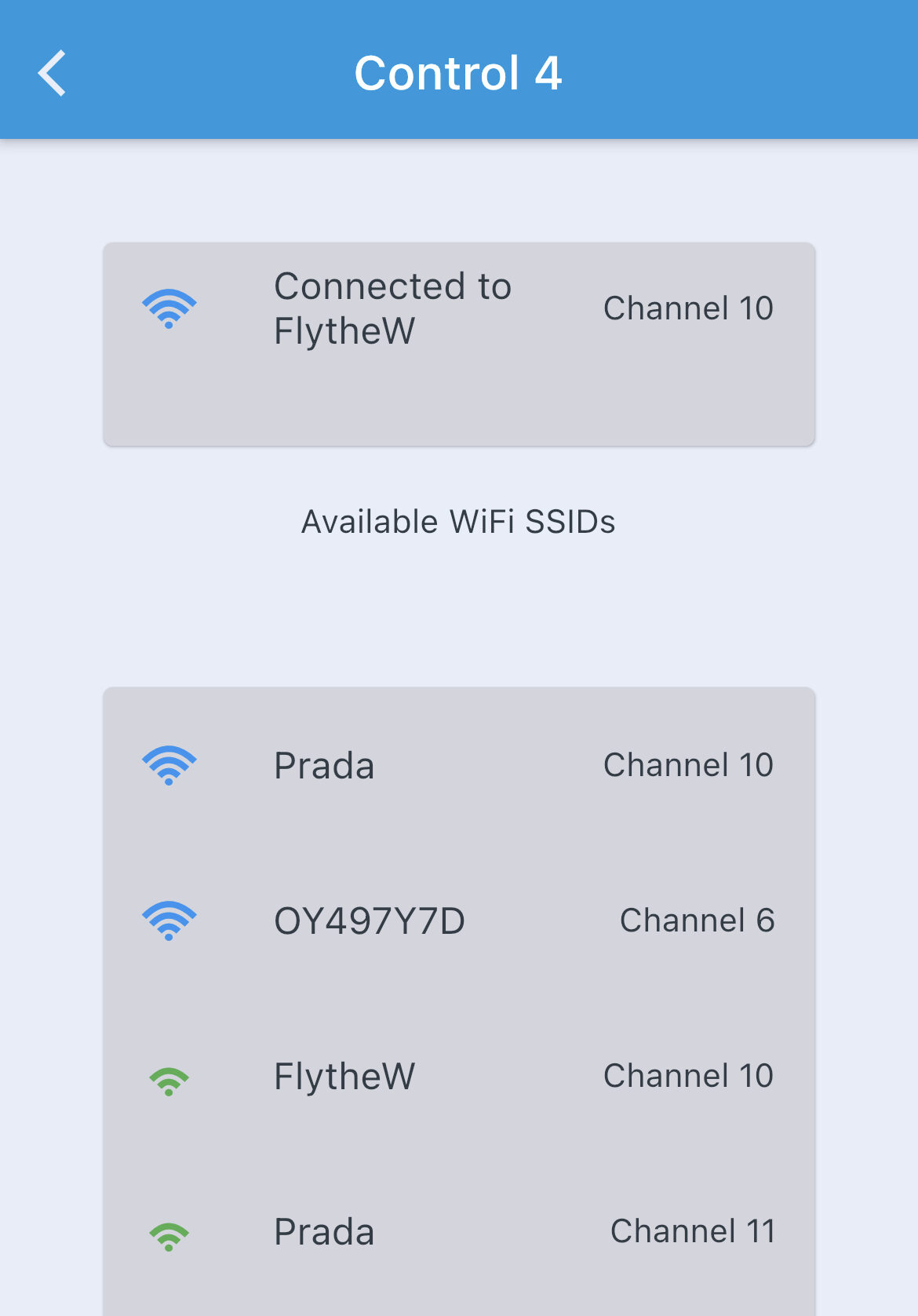
I just upgraded to Control 4 after first having Control 2. I was able to pair the ”old” WiFi strip to the Control 4, but when I try to pair another one, it didn’t work. I have EERO mesh, and I’ve turned off the 5Ghz for the pairing process. Any idea on how I could get it to work? Thanks,
Josh
 www.coralvuehydros.com

Good stuff. I have Eero Pro Mesh as well. I will be setting up the WiFi strip in the next day or so. At least I know where to look for the fix!The problem is Eero mesh. They are highly incompatible with devices with a single WiFi band, such as the WiFi strips. Even if you get them paired, you will have issues with the WiFi strips dripping from your network randomly.
There is an easy and cheap way to fix the problem and create a stable WiFi network and fully compatible with single-band devices. We describe the issue here, offer a suggested part to fix the problem, and show you how to install it.
HYDROS Control - What kind of WiFi router do I need?
What kind of router do I need to setup the HYDROS. Here we will show you what to do to create a stable WiFi connection.
Start at the "Mesh Networks" section.

WiFi strips stay in the last state that was received if it’s WiFi link goes down (and as long as power isn’t cycled to the strip). This is why it’s suggested to use a secondary controller for heaters and not rely on the WiFi strip only.Good stuff. I have Eero Pro Mesh as well. I will be setting up the WiFi strip in the next day or so. At least I know where to look for the fix!
Question on the Wifi strip: if it loses the WiFi connectivity, will the outlets still provide power (ie power to your heater)?
My apologies for the hijack.
Roger that. I currently have an InkBird controller for my heater. Maybe I will just leave it plugged into a “regular” outlet.WiFi strips stay in the last state that was received if it’s WiFi link goes down (and as long as power isn’t cycled to the strip). This is why it’s suggested to use a secondary controller for heaters and not rely on the WiFi strip only.

Use the Hydros outlet as a backup. Just set the low setting a couple degrees above you InkBird and the high setting .4 degrees higher. Then they will always be on unless the temp goes above the heater setting.Roger that. I currently have an InkBird controller for my heater. Maybe I will just leave it plugged into a “regular” outlet.