

I need some help connecting my MP60s to the WE. Ive watched the video and am only able to get to the step where you pair the pump and the light on the MP blinks blue and yellow. What do you do after this? I have setup the pumps as generic outputs but cant figure out the rest of this. I had done this with MP40s and got it to work but am missing something now.
Navigation
Install the app
How to install the app on iOS
Follow along with the video below to see how to install our site as a web app on your home screen.
Note: This feature may not be available in some browsers.
More options
You are using an out of date browser. It may not display this or other websites correctly.
You should upgrade or use an alternative browser.
You should upgrade or use an alternative browser.
Connecting Ecotech MP pumps
- Thread starter Dbm338
- Start date
- Tagged users None
Users Who Are Viewing This Thread (Total: 0, Members: 0, Guests: 0)
I would follow these instructions - if your pump is new you probably need to downgrade it from Ecotech Möbius …
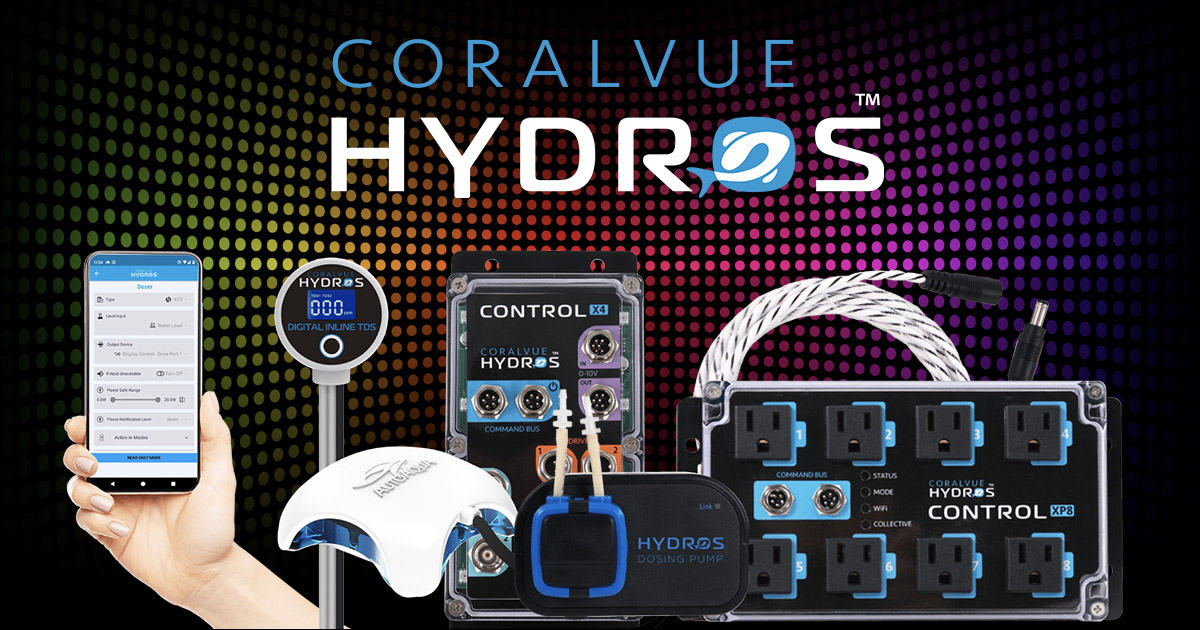
 www.coralvuehydros.com
HYDROS WaveEngine - How to Connect EcoTech Marine VorTech Pumps
The WaveEngine controls EcoTech VorTech pumps wirelessly but does not power them. Combine MP10wQD, MP40wQD, and MP60wQD pumps with pumps from other brands!
www.coralvuehydros.com
I have done that and gotten up to step 7 but cant get the pumps to pick up one of the three signals. The firmware has been downgraded so that is not the issue. Do i need to do something like set a schedule to make the WE send out a signal?
Yes create a schedule and add the pump -
www.coralvuehydros.com
HYDROS WaveEngine - How to Create a Flow Schedule - Help Page
Here we will show you how to create a flow schedule to get your pumps running in no time!
www.coralvuehydros.com
That was the step i was missing. Thanks!Yes create a schedule and add the pump -
HYDROS WaveEngine - How to Create a Flow Schedule - Help Page
Here we will show you how to create a flow schedule to get your pumps running in no time!
- Admin
- #7

I am going to ask an obvious question. Do you have the WE-ETM version? Did you purchase the version that comes with the ETM chip? If not, then it will not work.
What Carlos said - confirm your version of the WE is Ecotech ….
If it is - I would try to follow the written instructions here:
www.coralvuehydros.com
Make sure you do step 5 - if they stay blue/red check distance from controller ???
If it is - I would try to follow the written instructions here:
HYDROS WaveEngine - How to Connect EcoTech Marine VorTech Pumps
The WaveEngine controls EcoTech VorTech pumps wirelessly but does not power them. Combine MP10wQD, MP40wQD, and MP60wQD pumps with pumps from other brands!
www.coralvuehydros.com
Make sure you do step 5 - if they stay blue/red check distance from controller ???