
Navigation
Install the app
How to install the app on iOS
Follow along with the video below to see how to install our site as a web app on your home screen.
Note: This feature may not be available in some browsers.
More options
You are using an out of date browser. It may not display this or other websites correctly.
You should upgrade or use an alternative browser.
You should upgrade or use an alternative browser.
After firmware update hydros wont connect to wifi
- Thread starter Rockdiver
- Start date
- Tagged users None
Users Who Are Viewing This Thread (Total: 0, Members: 0, Guests: 0)
Lumbrunoc
New member
Same here, updated my X3 from the prompt telling me I had to. After the update, it disconnected from the app & now I can't get into it unless I use BT. I've power cycled it numerous times but made no difference.

Danny
HYDROS Expert
You can try going in and putting in you wifi info like you did when setting up the controllers to begin with. Just don't change the name of the controller. See if the controller connects to wifi after that. If that works then do the same to any others having the issue.
Lumbrunoc
New member
Can this be done via BT? When I connect to th X3 via BT it says Override Only and most options are grayed out.You can try going in and putting in you wifi info like you did when setting up the controllers to begin with. Just don't change the name of the controller. See if the controller connects to wifi after that. If that works then do the same to any others having the issue.
If you mean the wifi go here to see how's its done
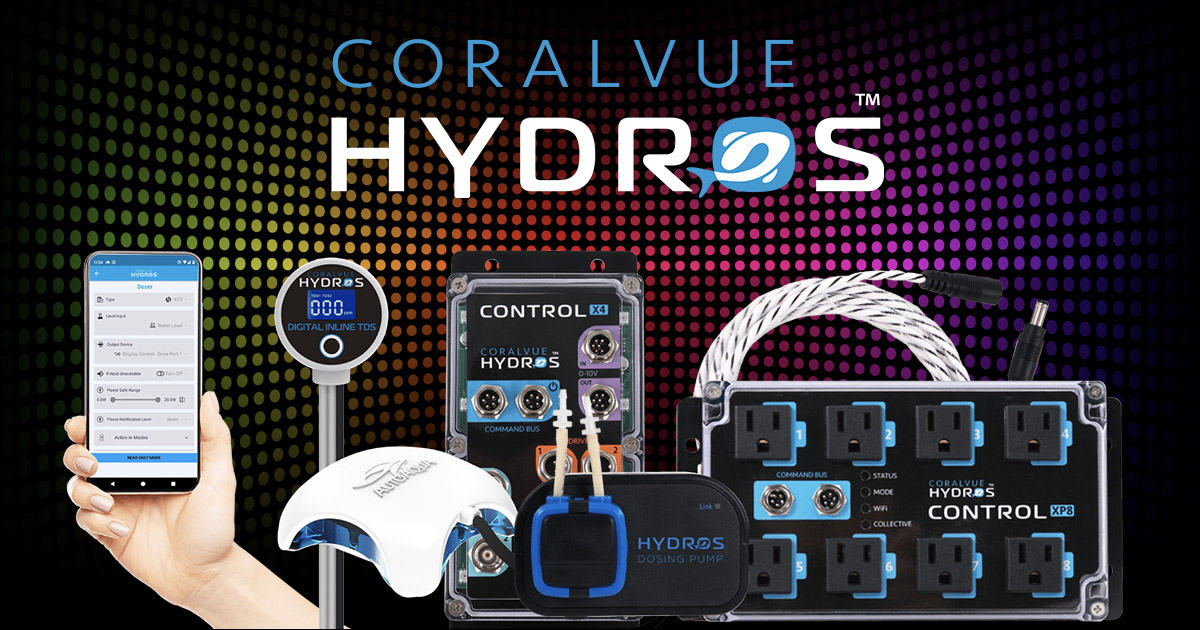
 www.coralvuehydros.com
HYDROS Control - Update WiFi Credentials
Do you need to update your WiFi credentials on your HYDROS devices? Here is how!
www.coralvuehydros.com
Lumbrunoc
New member
Entering the wifi credentials again like Danny suggested for your fix.Can what be done ?
Danny
HYDROS Expert
you don't have to be logged into the controller. Use the + sign in upper right of left menu and the select the controller you want to change the wifi settings on. This is the same way you originally set them up but don't change the controller name.Can this be done via BT? When I connect to th X3 via BT it says Override Only and most options are grayed out.
Lumbrunoc
New member
Sick, thanks! That did the trick!you don't have to be logged into the controller. Use the + sign in upper right of left menu and the select the controller you want to change the wifi settings on. This is the same way you originally set them up but don't change the controller name.