ATX_Reefer
New member
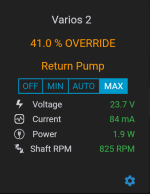
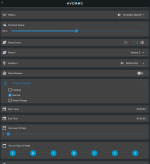
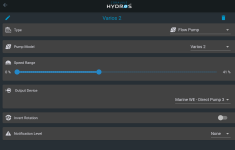
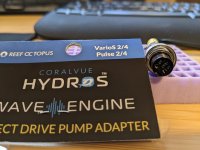
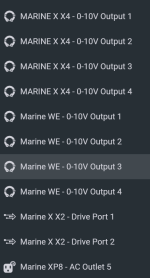
I just got the adapter and connected to the WE. I programmed output 3. I can't get the pump to turn on. Any idea what I may be doing wrong?
Follow along with the video below to see how to install our site as a web app on your home screen.
Note: This feature may not be available in some browsers.


 www.coralvuehydros.com
www.coralvuehydros.com
www.coralvuehydros.com
I am not following what you are trying to do. Can you please elaborate?Now that I've got it set up I see that you can't tie it to a schedule or set active modes. To be able to use one of those would I just have to continue to use the RO controller and connect it to a 0-10v cable? I do have one of those too.
Sorry, I see I didn't mention feed mode in the previous post. I want to set the return pump so that it shuts off in feed mode.I am not following what you are trying to do. Can you please elaborate?
Ensure that the "Flow Schedule" is NOT active during Feed Mode. That is all you need to do.Sorry, I see I didn't mention feed mode in the previous post. I want to set the return pump so that it shuts off in feed mode.