
Navigation
Install the app
How to install the app on iOS
Follow along with the video below to see how to install our site as a web app on your home screen.
Note: This feature may not be available in some browsers.
More options
You are using an out of date browser. It may not display this or other websites correctly.
You should upgrade or use an alternative browser.
You should upgrade or use an alternative browser.
So what do i choose ? Hydros shows a update but
- Thread starter Rockdiver
- Start date
- Tagged users None
Users Who Are Viewing This Thread (Total: 0, Members: 0, Guests: 0)

Danny
HYDROS Expert
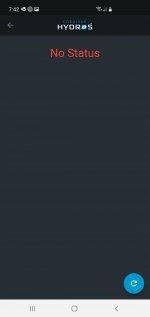
That screen with the no status has the circle in the lower right corner. Click on it and it should update the screen.
Danny
HYDROS Expert
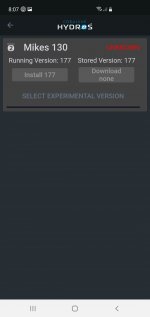
In you screen it says it is running 177. Did that get it to work? No problem anytime.
Danny
HYDROS Expert
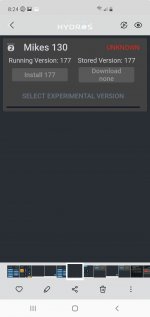
The screenshot in post #24 say running 177.
Danny
HYDROS Expert
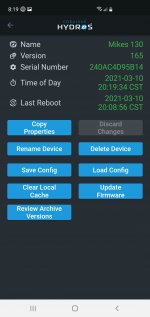
We probably need to wait for a reply from Carlos. We don't want to do anything that will cause an issue if it is running ok on 165.
Danny
HYDROS Expert
I would wait. No problem glad to help. I was hope we could get it to install.
- Admin
- #40

Hit the "Install 177" button and then immediately kill the app. Wait 60 seconds and then come back in. That should work.