Viva'sReef
Member
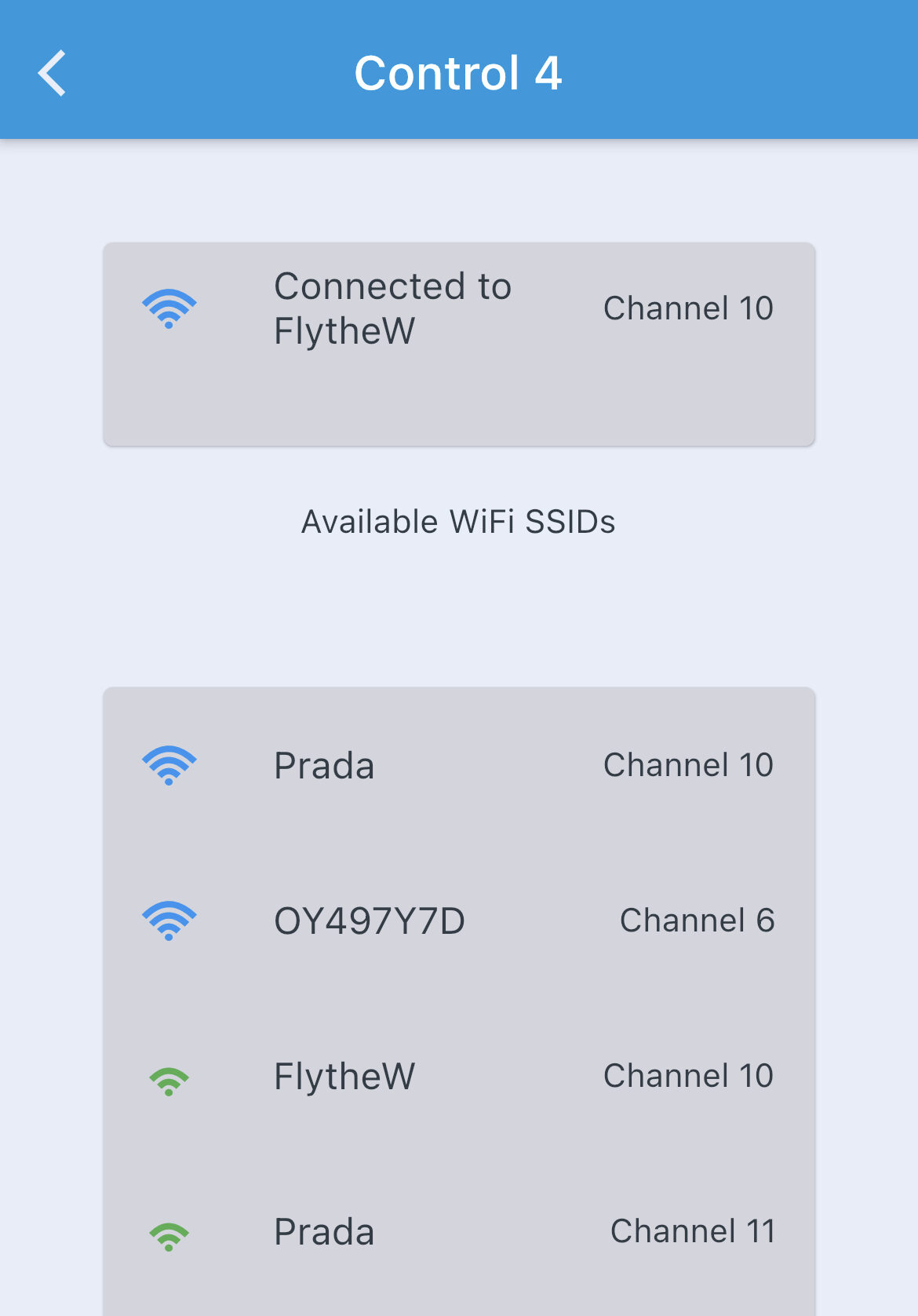
I've battled this a few times now. Had an Xfinity router/modem reset and now the Quad Wifi bar is useless. I was eventually able to get it to connect the last 2 times.
This time for whatever reason, I can't get it to "replace" and have it hold onto the network. It seems to drop after it links successfully, looks ok and then everything bombs out and turns red.
I've tried to delete it and add it new, then readding all the outputs. I even tried deleting the outputs and adding those new. Loaded save Configs, NOTHING is working and I'm going crazy. Restarted the router/modem several times, disabled the 5GHz network to force the 2.4 or create any issues. Still nothing. Help plz
This time for whatever reason, I can't get it to "replace" and have it hold onto the network. It seems to drop after it links successfully, looks ok and then everything bombs out and turns red.
I've tried to delete it and add it new, then readding all the outputs. I even tried deleting the outputs and adding those new. Loaded save Configs, NOTHING is working and I'm going crazy. Restarted the router/modem several times, disabled the 5GHz network to force the 2.4 or create any issues. Still nothing. Help plz